登录阿里云
进入数据库信息
管理
DMS+AI
UPDATE wp_users SET
user_pass = MD5(‘新密码’),
user_email = ‘邮箱’
WHERE ID = 1;
执行
登录阿里云
进入数据库信息
管理
DMS+AI
UPDATE wp_users SET
user_pass = MD5(‘新密码’),
user_email = ‘邮箱’
WHERE ID = 1;
执行
一个在windows下制作的文本格式文件在mac下打开发现中文乱码,如果需要正确显示,可用:
iconv -f GBK -t UTF-8 xxxxx.txt-- ~/.config/nvim/init.lua
local lazypath = vim.fn.stdpath("data") .. "/lazy/lazy.nvim"
if not vim.loop.fs_stat(lazypath) then
print("Installing lazy.nvim... Please wait.")
vim.fn.system({
"git",
"clone",
"--filter=blob:none",
"https://github.com/folke/lazy.nvim.git",
"--branch=stable",
lazypath,
})
end
vim.opt.rtp:prepend(lazypath)
require("lazy").setup({
{
"nvim-treesitter/nvim-treesitter",
build = ":TSUpdate", -- ✅ 字符串形式,安全可靠
lazy = false,
init = function()
local ok, configs = pcall(require, "nvim-treesitter.configs")
if not ok then return end
configs.setup({
ensure_installed = { "lua", "python", "javascript", "typescript", "c", "cpp" },
highlight = { enable = true },
folding = { enable = true },
indent = { enable = true },
auto_install = true,
})
vim.opt.foldmethod = "expr"
vim.opt.foldexpr = "nvim_treesitter#foldexpr()"
vim.opt.foldlevel = 99
end,
},
})prompt off
mget *.xls
或者使用lftp
lftp ftp://xxxxx
user xxxx
password xxxx
get/mget

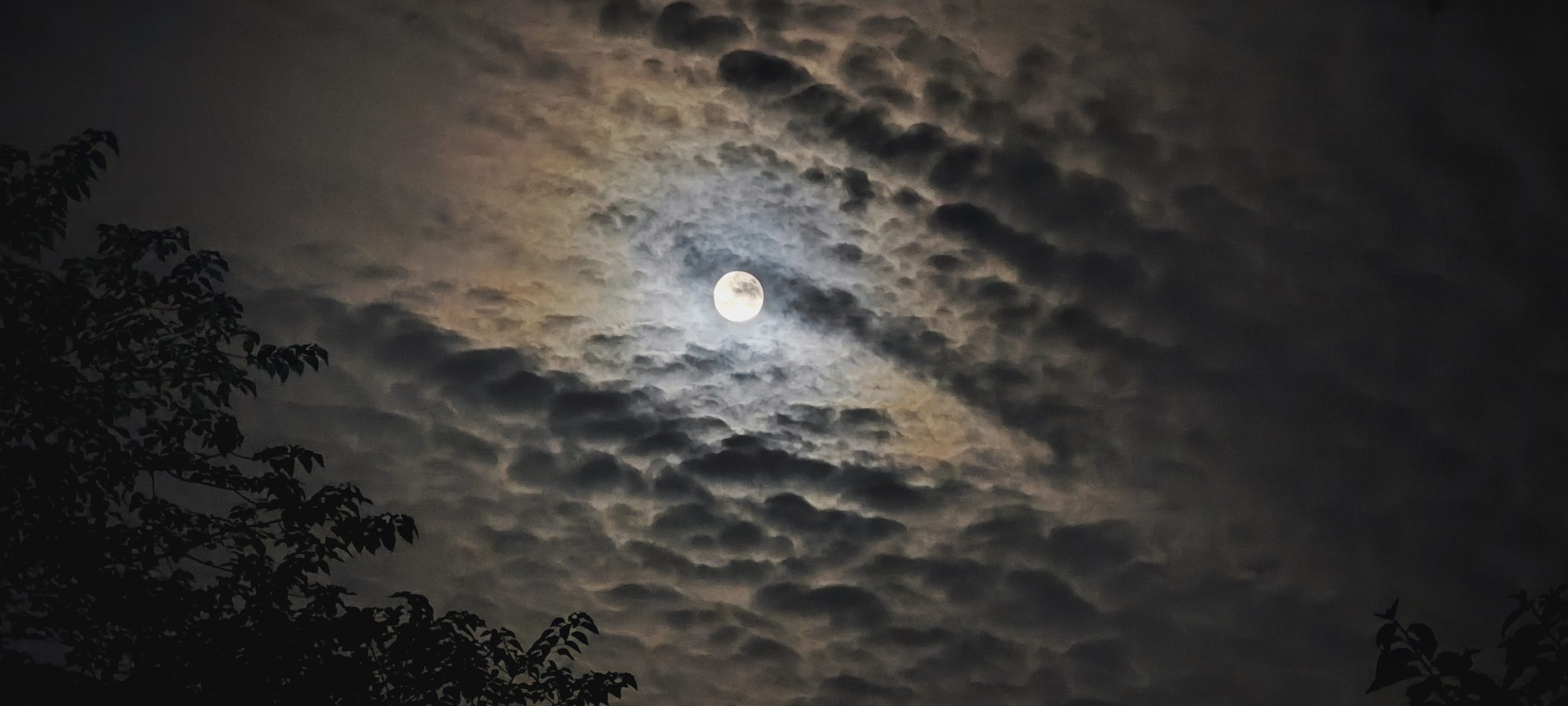
失眠,看到窗外好大的月亮,还有一颗星。
在MacOS下,无法使用鼠标在Illustrator中选择正确的矢量目标。解决途径为:进入Illustrator的“首选项”——性能——取消勾选“GPU性能”,即可。

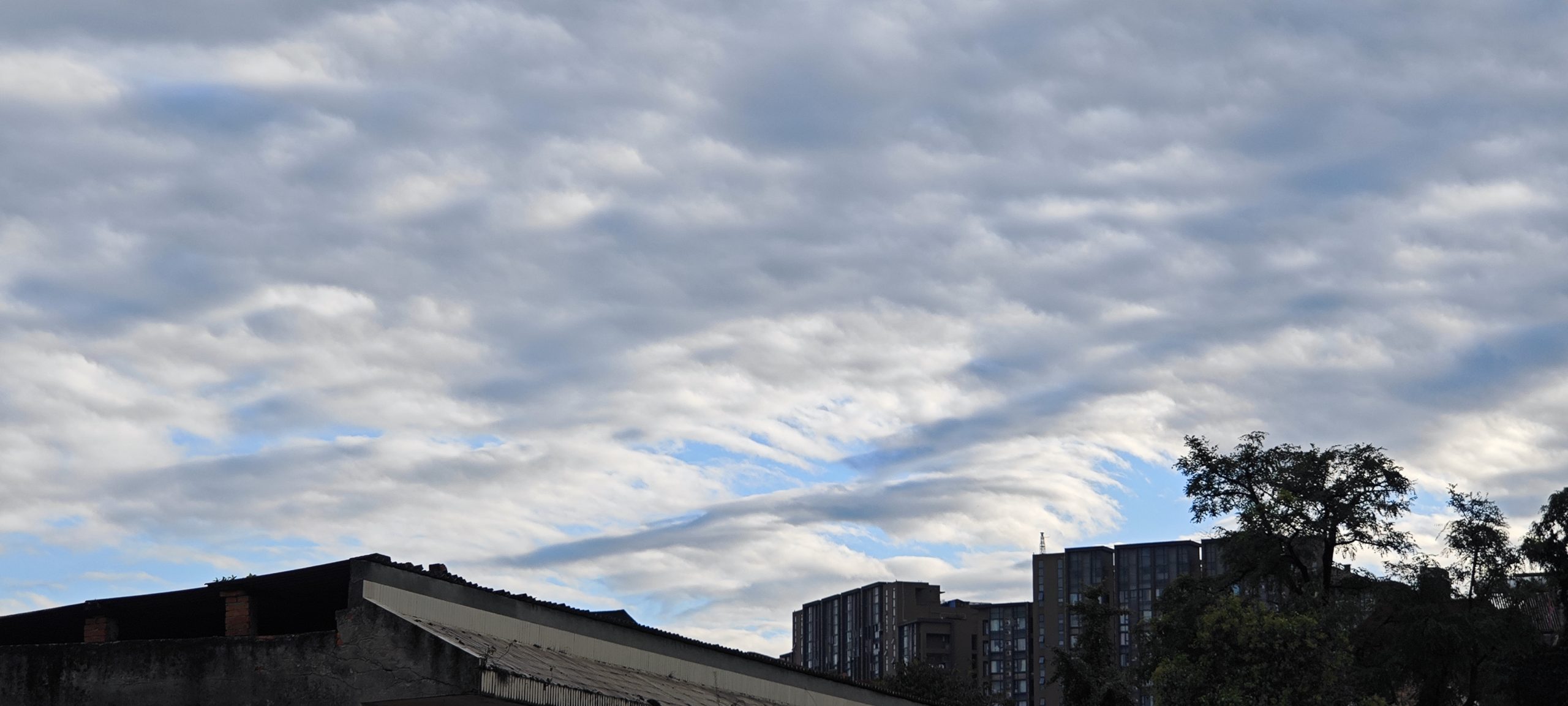
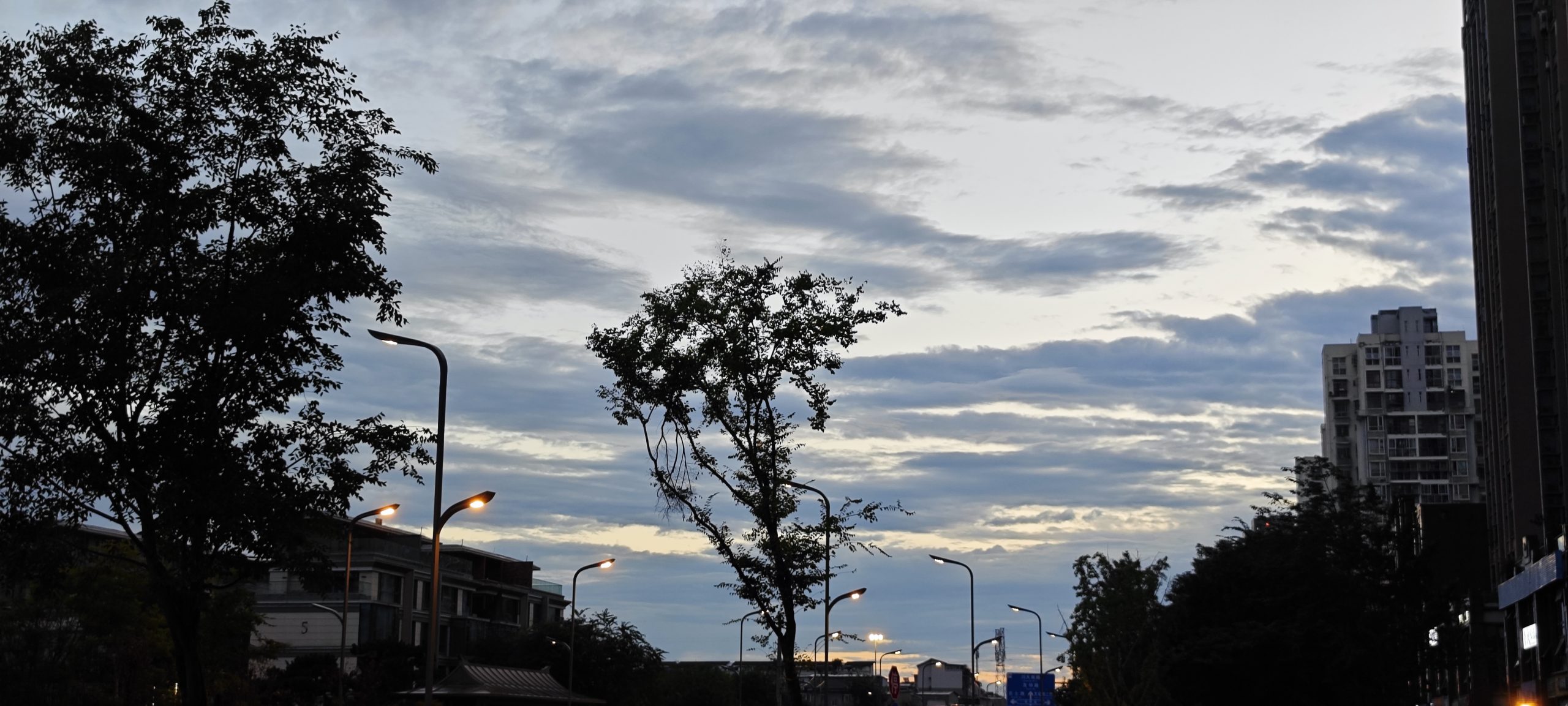
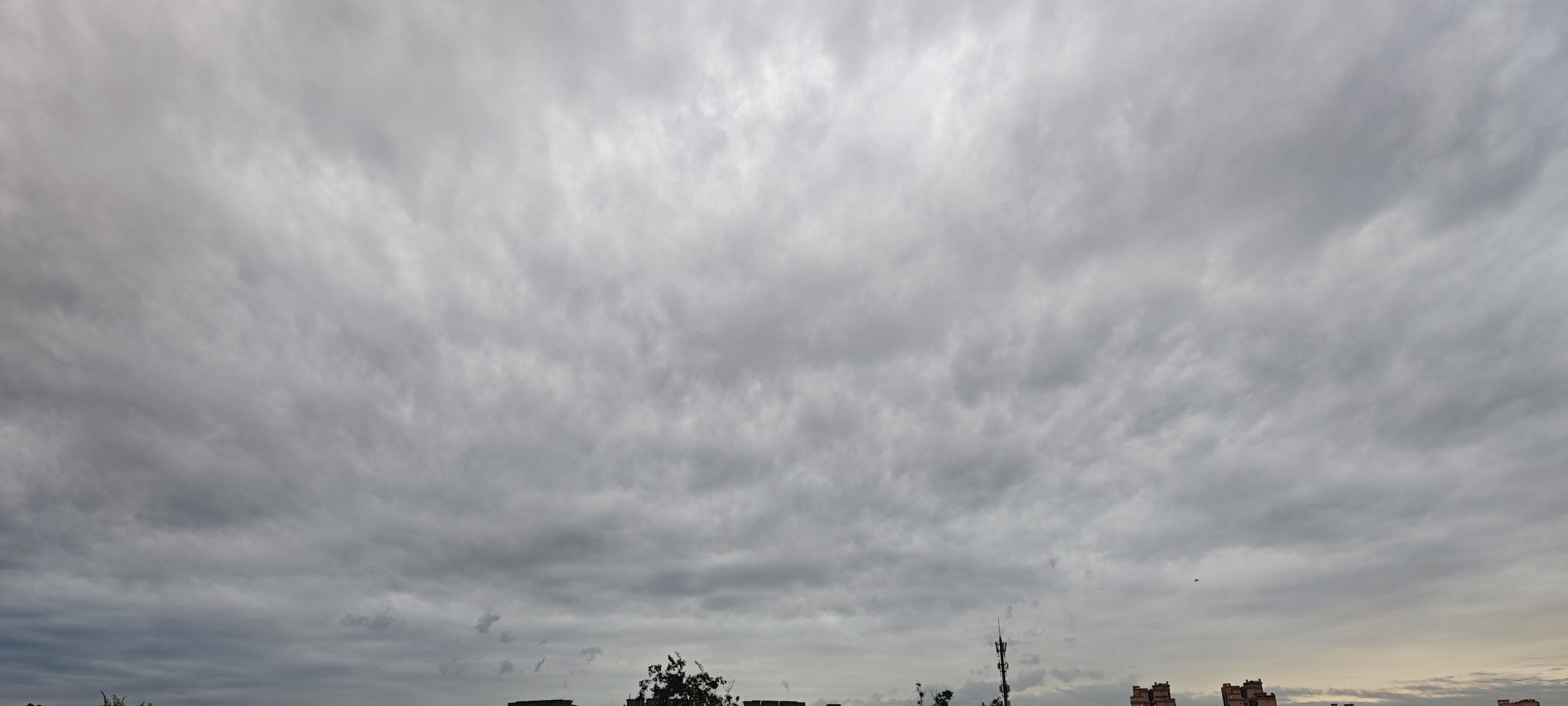

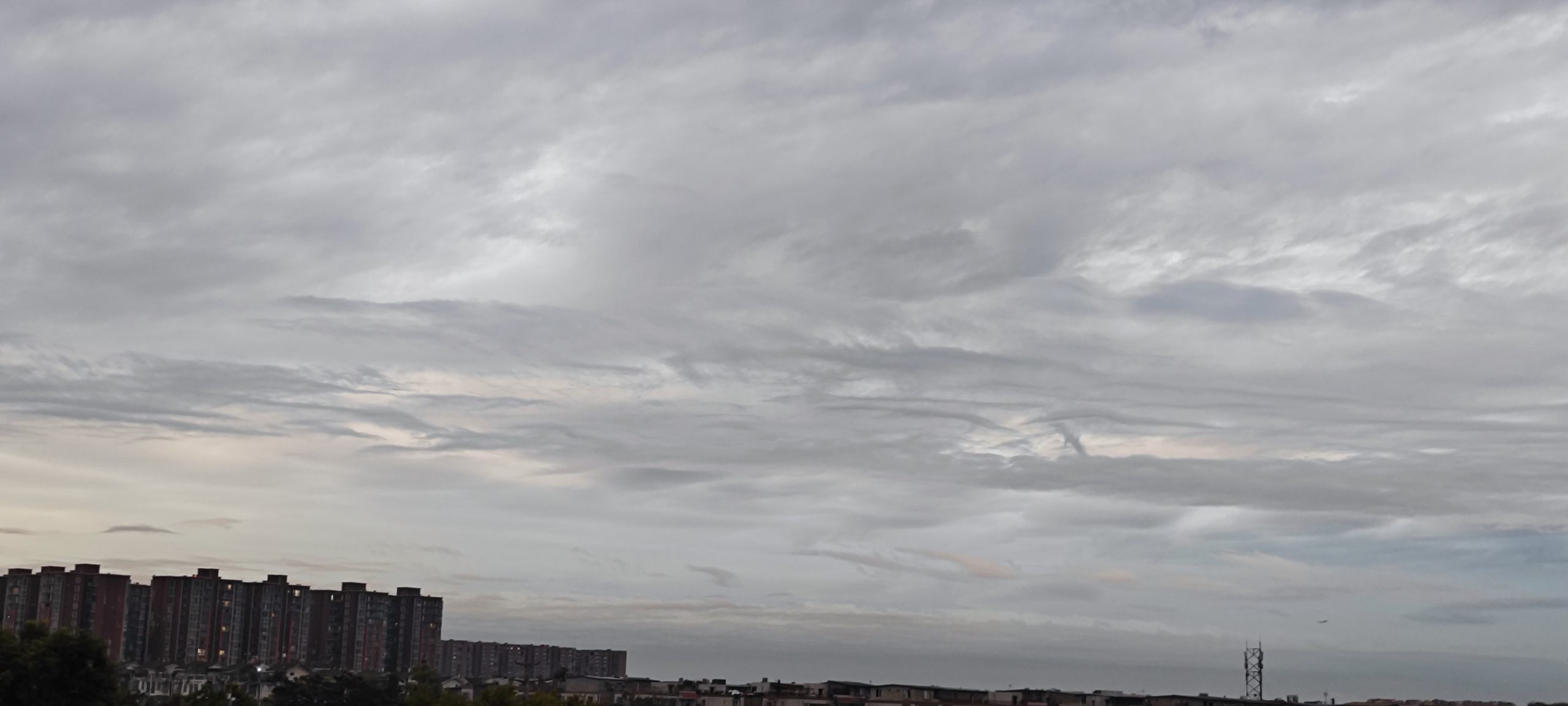

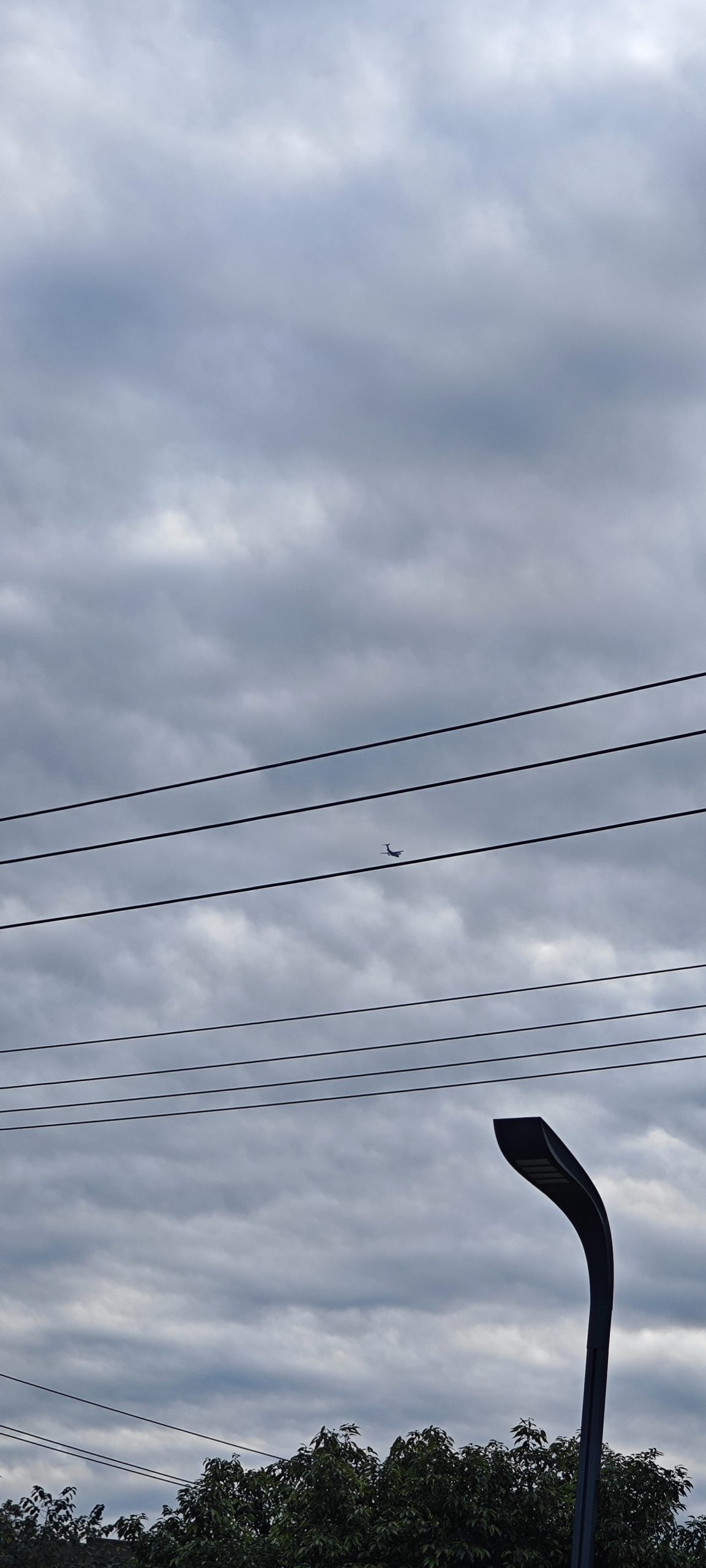
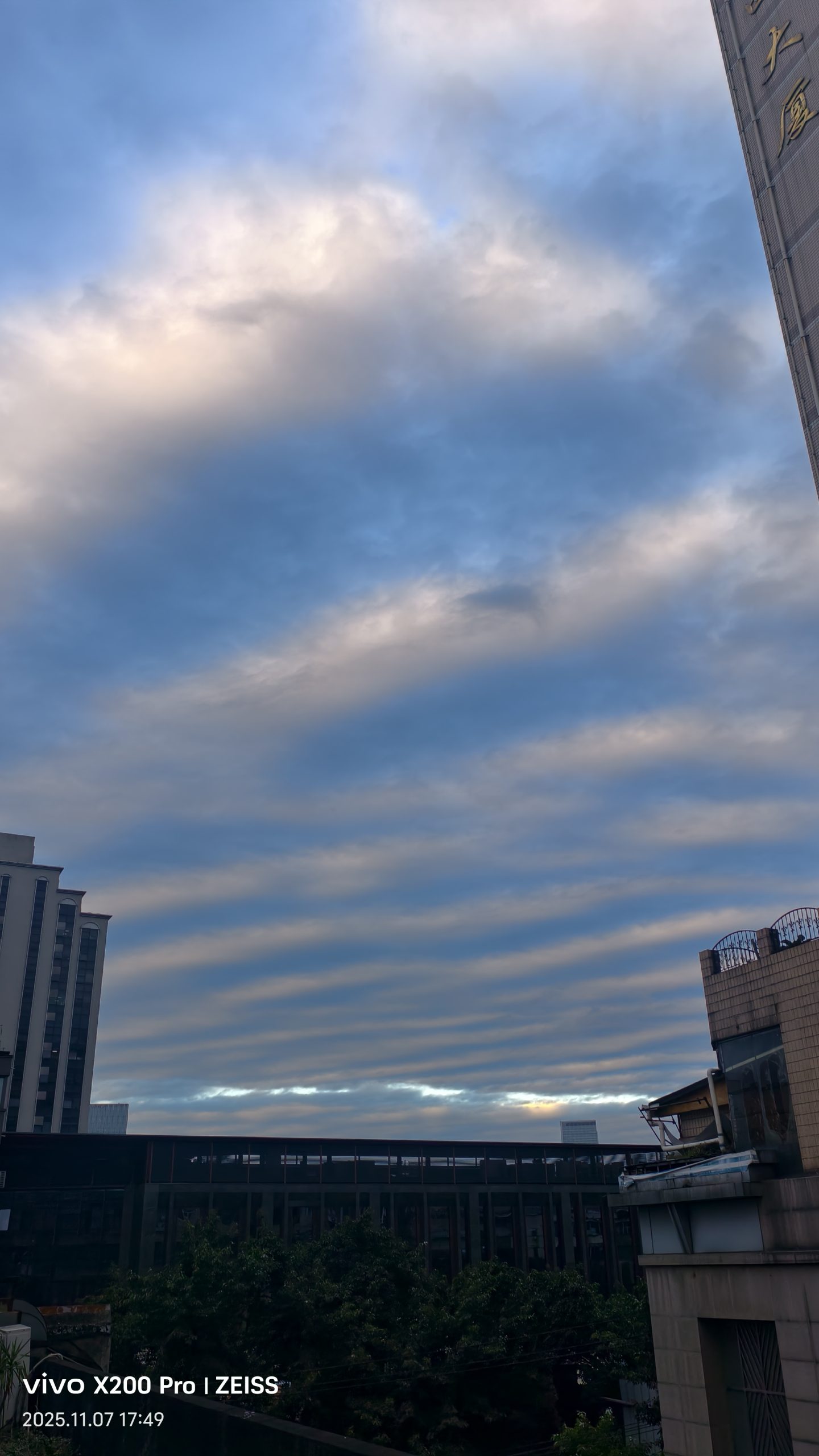
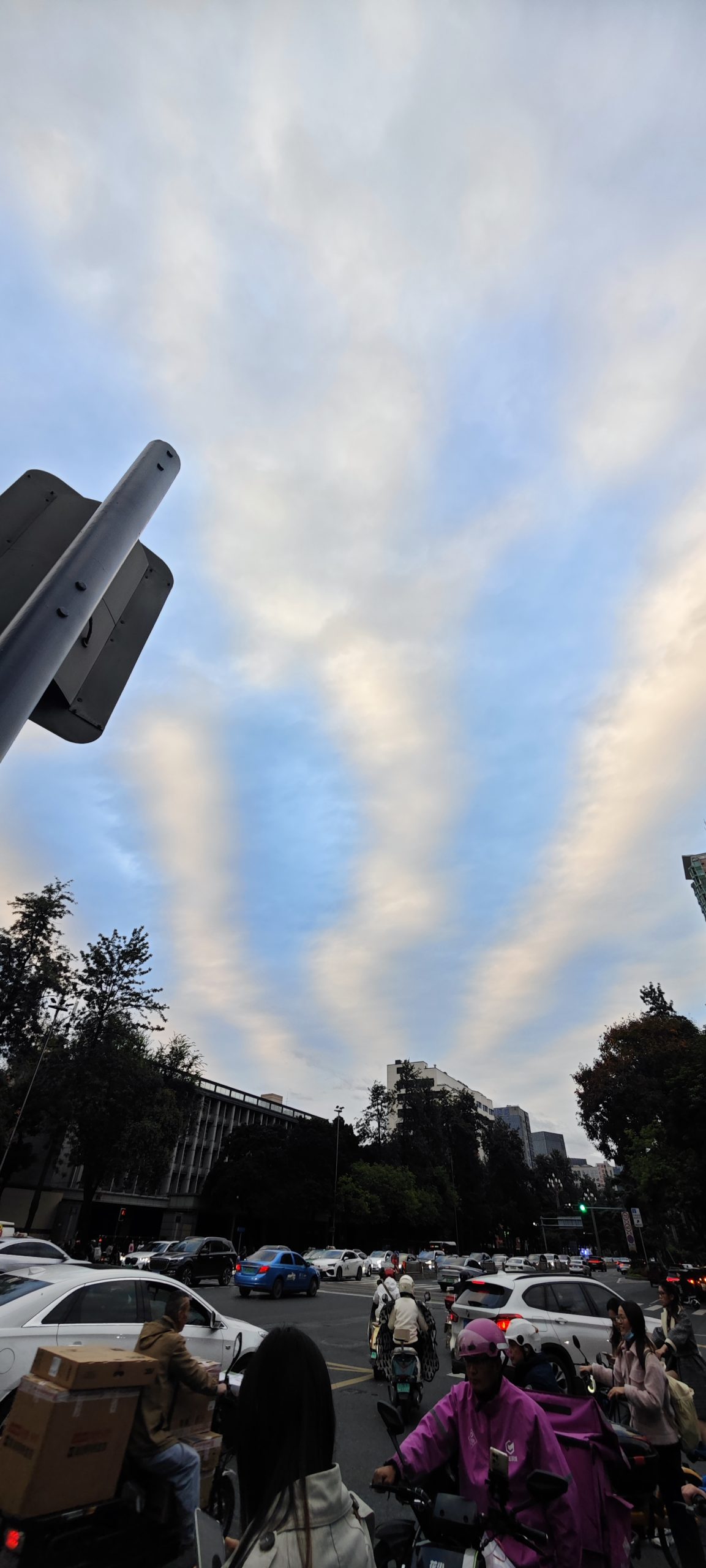
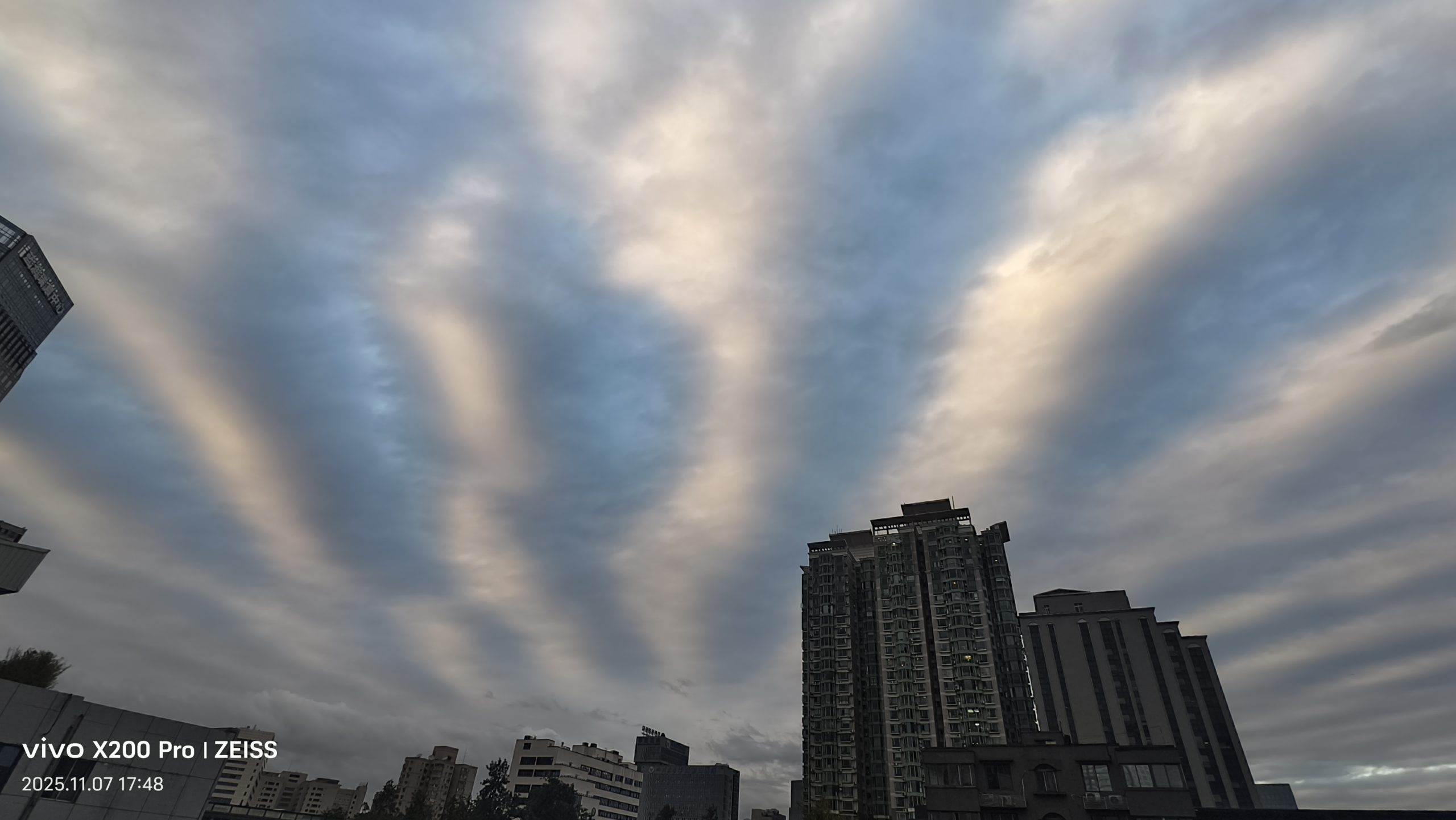
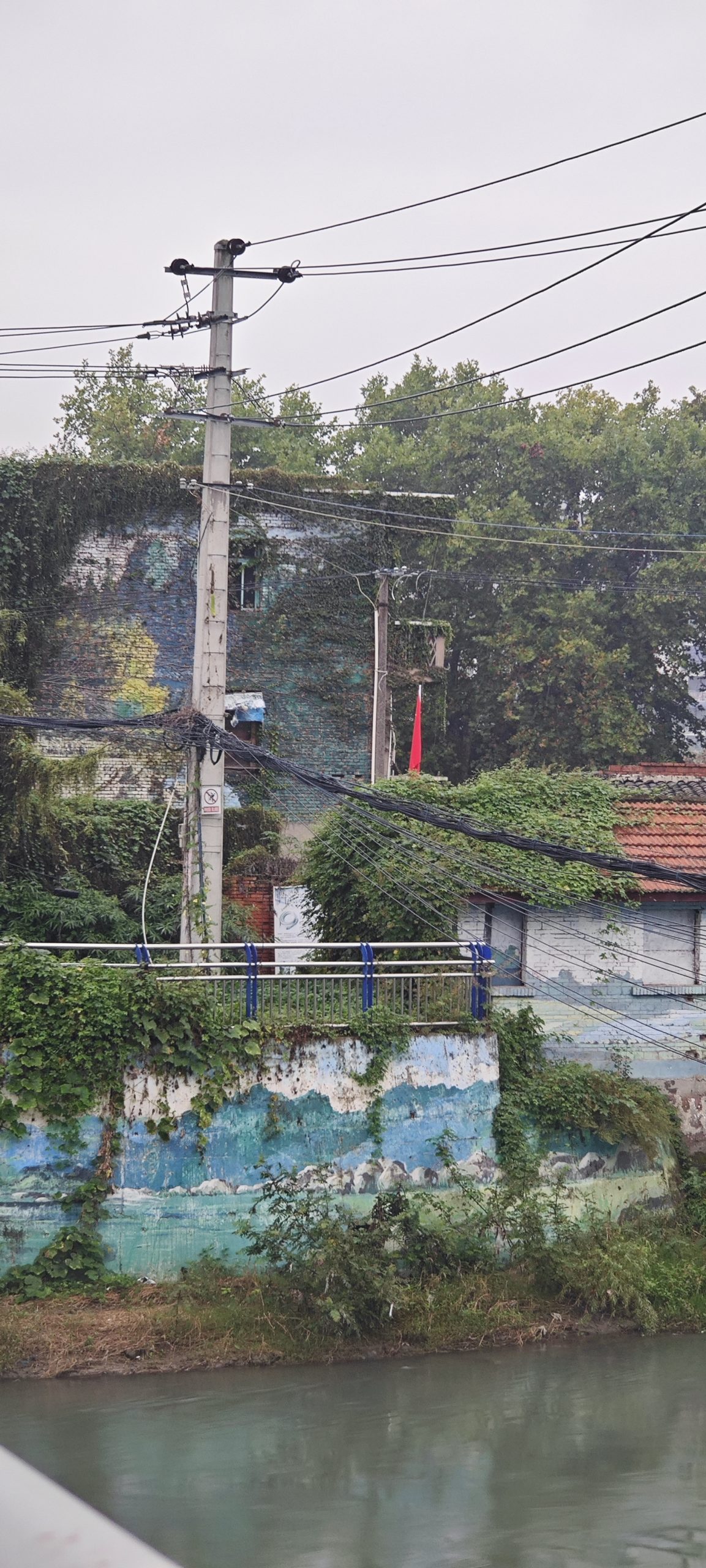
这隐藏在路旁绿化区中的房子不知道是什么机构,挂了面红旗。奇怪的是它的门居然不朝着马路。
wordpress部署在阿里云,上传图片失败,提示限制图片像素尺寸在2560像素。
解决方法:进入阿里云的主机管理平台->高级环境设置->php.ini设置->php函数chmod设置->启动